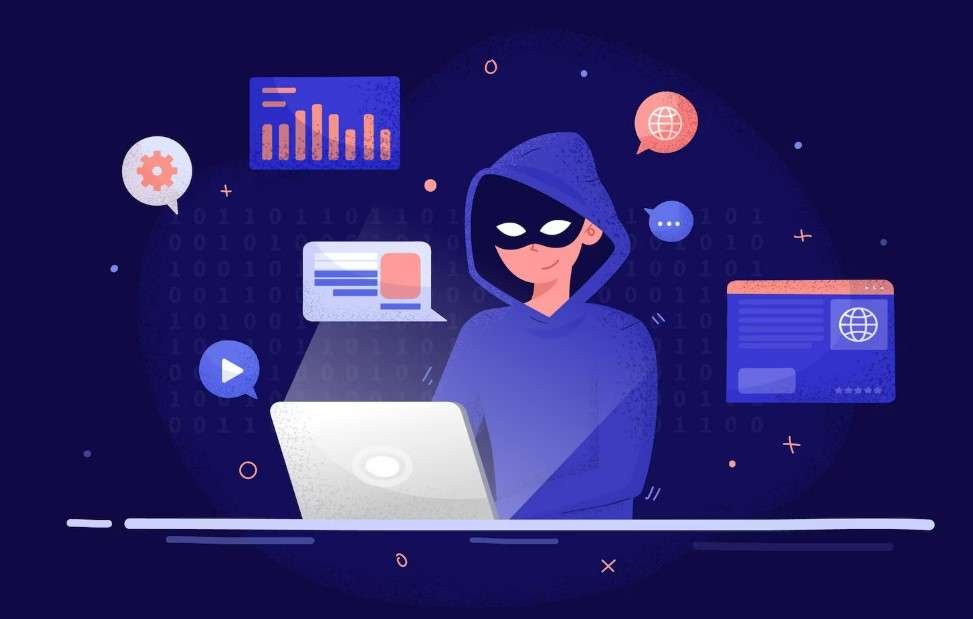

Every click, search, and “like” you make online leaves a trail. Big Tech companies collect nearly all of it:
- Google tracks your searches.
- Meta logs your online behavior.
- Apple and Amazon learn your patterns.
For years, we’ve traded convenience for control, and our digital lives have quietly become products for advertisers and algorithms.
The good news? You don’t need to be a tech expert to take back control. This guide will show you practical steps to protect your privacy, reduce tracking, and reclaim your digital freedom—one step at a time.
Disclosure: Some links in this guide are affiliate links. If you click and make a purchase, we may earn a small commission at no extra cost to you. We only recommend products that provide real value for online safety, privacy, and identity protection.
Understand How Big Tech Controls Your Data
Big Tech makes billions by tracking your every move then using that information to:
- Target ads and influence purchases
- Shape what content you see online
- Build detailed “digital profiles” of who you are
This system works because of three main tactics:
- Data Collection – through cookies, apps, voice assistants, and online accounts.
- Ecosystem Lock-in – using connected tools (Gmail → Google Drive → YouTube) to make switching hard.
- Default Tracking Settings – most services are “opt-out,” meaning they track you automatically.
Once you understand these patterns, you can start to reclaim your digital freedom: one small change at a time.
Learn how to remove your personal information from the internet and stop those scams.
Start Using Privacy-Friendly Tools
You don’t need to delete everything or go “off-grid.” i know its not easy to change your digital habit but its for your own privacy so start small.
Replace one Big Tech tool at a time with privacy-respecting alternatives.
check below table for every big tech tool replacement.
| Everyday Task | Big Tech Tool | Privacy-Friendly Option |
|---|---|---|
| Search engine | DuckDuckGo or Startpage | |
| Gmail | ProtonMail or Tutanota | |
| Cloud storage | Google Drive | Sync, Tresorit, or Proton Drive |
| Web browser | Chrome | Firefox, Brave, or LibreWolf |
| Messaging | Signal or Arattai | |
| Maps / Navigation | Google Maps | Organic Maps or OsmAnd |
Tip: Try switching one app each month or quarterly or simply depending on your need. You’ll quickly notice less tracking and often, faster performance too. Your digital safety is in your hand.
Take Back Control of Your Privacy Settings
Even if you still use some Big Tech platforms, small tweaks make a big difference:
- Turn off ad-personalization in Google and Meta settings.
- Use Incognito Mode or privacy extensions like uBlock Origin and Privacy Badger.
- Review app permissions – disable location or microphone access where it’s not needed.
- Regularly delete your search and voice history.
These actions reduce how much data is collected – putting you back in charge of your digital footprint. I have a list of family safety apps in our toolbox section that can help you further
Managing Passwords Made Easy
Strong, unique passwords are essential for protecting your digital identity. Tools like KeePassXC (offline) or Bitwarden (cloud) make it simple to generate, store, and manage passwords securely.
If you are getting Password Headache?? Check how to manage your password easily?
Explore Open-Source Apps
Open-source software is built by communities, not corporations.
That means no hidden trackers, no data selling, and full transparency.
Some great open-source apps for beginners include:
- VLC Media Player – video playback without ads or tracking.
- LibreOffice – a free, offline office suite.
- KeePassXC – a simple, offline password manager.
- Thunderbird – a privacy-friendly email client.
Open-source tools are like the “local farmers” of the digital world – sustainable, community-driven, and built on trust.
Build a Sustainable Digital Freedom Routine
Breaking free isn’t about deleting everything overnight – it’s about building better habits:
- Check privacy settings monthly.
- Use a VPN or private DNS for browsing.
- Back up your data securely on encrypted drives.
- Support privacy-focused projects and creators.
The more people choose independent tools, the stronger the movement becomes.
Final Thoughts: Small Steps, Big Impact
You don’t need to be a cybersecurity expert to protect your privacy. Every switch – from Gmail to ProtonMail, or Chrome to Brave – is a vote for a freer, fairer internet.
In 2025, taking control of your tech is an act of empowerment. You’re not just protecting data, you’re reclaiming your digital freedom.

Great post! I never thought of the term taking back your Digital Freedom, but I’m so with it in 2026.
Thank you. The privacy we talk about a lot – is actually no longer there unless we stop using google, Gmail and other internet giants and start with ones that are shared in this article.